

PureEsperanza World!
Easy as 1, 2, 3!
Experience Consciousness Communities & Holistic Wellbeing in the PureEsperanza World metaverse
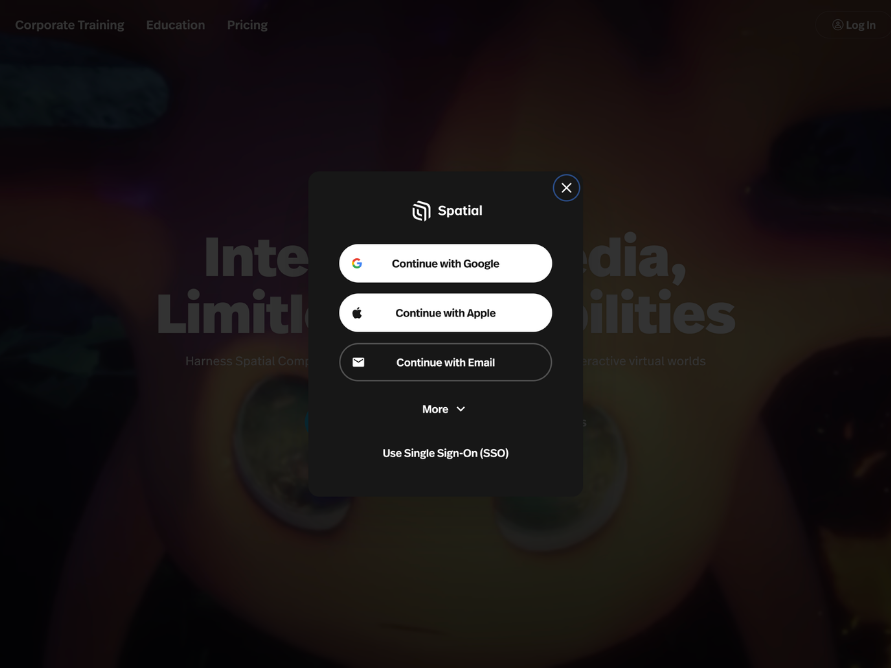
1. Create a Spatial Account
Create your Spatial Account or if you already have a Spatial account, then Log in.
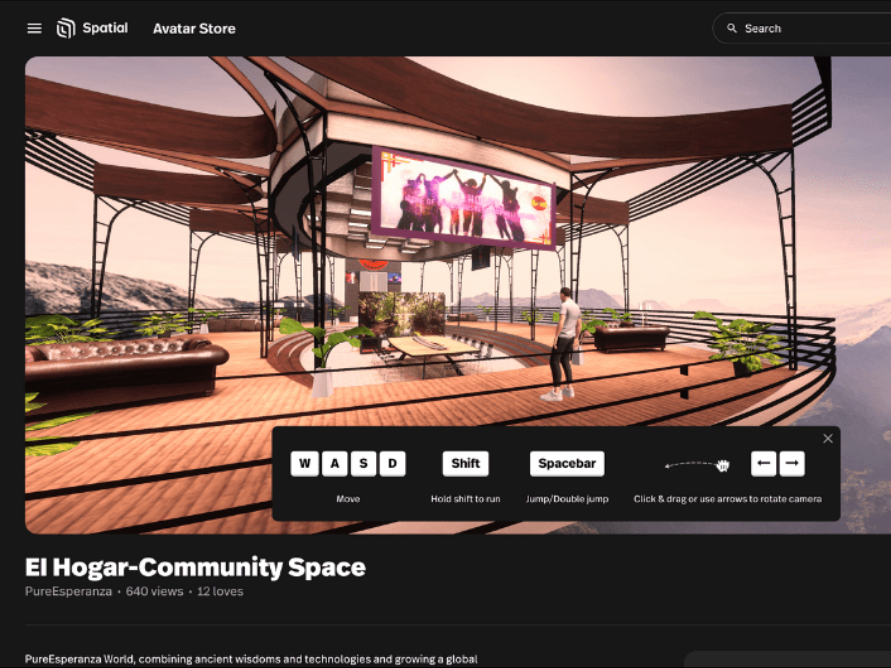
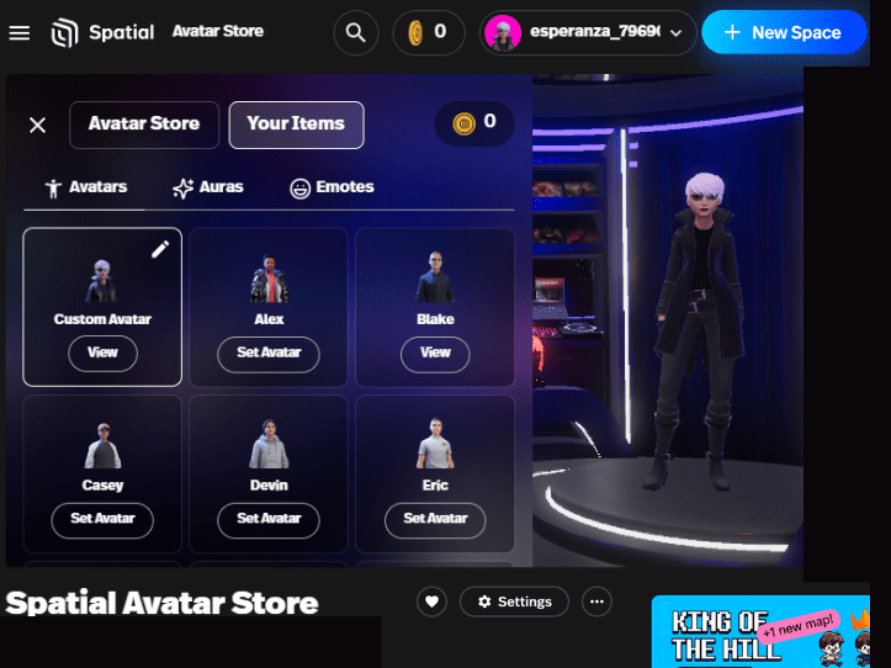
4. Bring Your Avatar to Life
- On a desktop, use your keyboard: W - walk away, S - walk towards you, A - walk to the left, D - walk to the right (keyboard arrows work the same) coordinate keys to move the direction you want
- Hold down Shift key while walking to Run.
- Move mouse, roll forward & back to gain views from 1st person to third person.
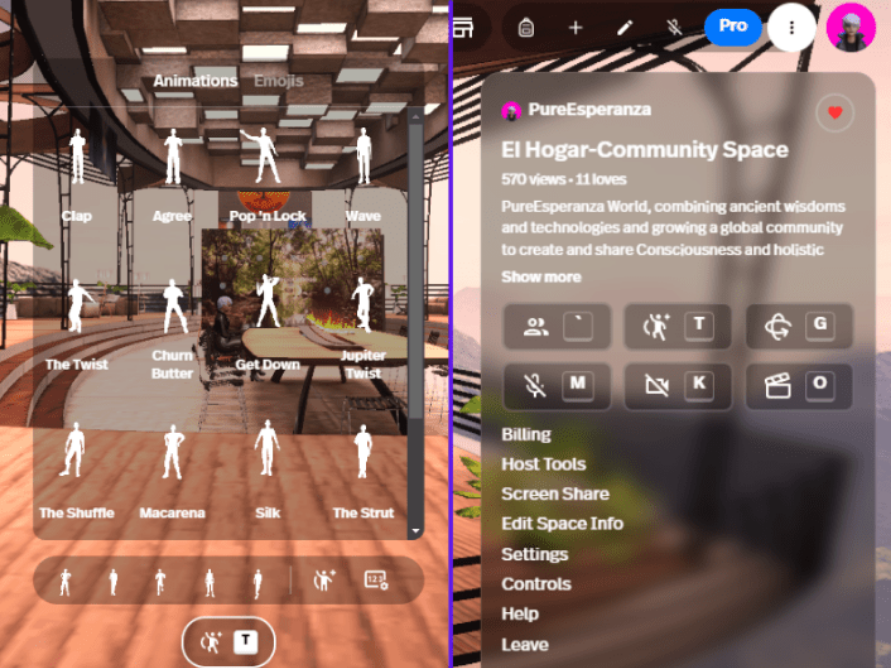
- Select mic on or mute your voice in navigation bar (top right)
- Select drop down menu (3 vertical dots top right corner next to your avatar profile image)
- Hover over drop down menu buttons (e.g. to turn on your camera, Avatar “reactions”/movements)
- Select Avatar+ symbol to gain more movement & edit Hotkeys on your keyboard while in El Hogar.